The Google Business Profile checklist for run specialty stores
By The Segments team
THE SHORT ANSWER
Set Running store as your primary category and add only categories your store truly is, like Shoe store. Keep regular and holiday hours current, add your services and in-store products, upload real photos, and post events. Give each location its own verified profile, linked to its own page, with a store code that matches Merchant Center.
Your Business Profile is the first thing a runner sees when they search “running store near me.” Work through this list once per location, then keep it current.
What does a complete Google Business Profile look like for a running store?
Here is the full checklist. Each row is explained below.
| Item | What to set | Why it matters |
|---|---|---|
| Business name | Exactly as it reads on your sign | Extra words can get the profile suspended |
| Primary category | Running store | Categories affect local ranking |
| Additional categories | Shoe store, Sportswear store if true | Covers broader searches without stuffing |
| Address and pin | Precise street address, pin on your door | Distance is a ranking factor |
| Phone | A local number that rings at that store | Google asks for a number tied to the location |
| Website | That store’s own page on your site | Google asks for a page that represents the location |
| Regular hours | Customer-facing hours | Runners check before they drive over |
| Special hours | Every holiday and race weekend | Confirms you’re open, or closed, on odd days |
| Services | Gait analysis, shoe fitting, group runs | Can be highlighted when someone searches for them |
| Products | In-stock shoes from your POS or Merchant Center | Runners can see what’s on your wall |
| Attributes | Accessibility, identity, payments | Can match searches for those features |
| Description | Up to 750 characters, no links or sale prices | Your own words in the “From the business” section |
| Photos | Storefront, shoe wall, fit area, group runs | Helps runners recognize the store |
| Posts | Group runs, races, new arrivals | Shows the store is active |
| Store code | Unique per location, matches Merchant Center | Connects your inventory to the right store |
| Reviews | Ask every fitted customer, reply weekly | Review count feeds prominence |
Which Google Business Profile category should a running store choose?
Choose Running store as your primary category. Google doesn’t publish its full category list, so type “running” in the category box and pick Running store from the names Google suggests. Shoe store, Sportswear store and Sporting goods store show up the same way. The choice matters: Google says the categories you select affect your local ranking.
Google tells you to use as few categories as possible and pick the most specific ones that describe your core business. Its test is simple: pick categories that complete the sentence “This business IS a,” not “This business HAS a.”
A run specialty store IS a running store and IS a shoe store. If apparel is a real department, it IS a sportswear store. It is not a physical therapy clinic just because a PT does a monthly talk in your store.
- Primary: Running store.
- Additional: Shoe store. Sportswear store if apparel is a real part of the floor. Orthopedic shoe store only if you truly run a pedorthic or medical footwear business.
- Avoid: categories used as keywords. Google says not to use categories solely as keywords or for businesses inside or next to yours.
You can add up to 9 categories beyond the primary, but more is not better. Also note that adding or editing a category can trigger a new verification, so make category changes on a quiet week, not the week before a big sale.
How do I set holiday and special hours on Google?
Regular hours are your customer-facing hours. Special hours cover the days that differ.
- Open your Business Profile and select Edit profile, then Hours.
- Next to “Special hours,” select Edit.
- Confirm Google’s suggested holiday dates, or add your own dates.
- Enter the hours, or check “Closed.”
- Select Save.
Those are Google’s current steps. Special hours cover changes or closures of up to 6 days in a row. For 7 days or more, mark the location temporarily closed instead.
Google recommends you confirm hours for official holidays even when they don’t change. For a running store, also set special hours for:
- Race weekends when you open early for packet pickup or close for the expo.
- Inventory days and staff training days.
- Black Friday and the week before Christmas, when many stores stretch hours.
A runner who drives 20 minutes to a locked door won’t come back to check again.
What should go in the services, products and attributes sections?
Services
The services editor is available for certain business categories. If you see it, use custom services to name what you actually do: gait analysis, shoe fitting, insole fitting, group runs, race packet pickup, team and school orders. Google says custom service names can’t include prices or phone numbers.
Products
Google can show your in-store products on your profile. Retail stores in the US, Canada, the UK and Ireland can showcase in-store products by connecting their POS to Google’s Local Inventory app, and those products can appear in search results so customers know what’s in stock.
If you’re on Shopify, the usual path is Merchant Center with local inventory, which is the same data that powers free local listings and local inventory ads. Our guide to Google Merchant Center for running stores walks through it.
Attributes
Attributes can help your business show up in searches for places with those features. Fill in what’s true: wheelchair-accessible entrance and parking, payment types, and identity attributes like women-owned or veteran-owned. Google’s small business attribute applies to businesses that make less than $10 million a year, and franchises don’t qualify.
Description
You get up to 750 characters, with no URLs. Google’s guidelines say the description should not focus on promotions, prices or sales. Say what you do and who you serve: fit process, brands carried, trail or track specialties, run clubs, how long you’ve been open.
What photos and posts should a running store add?
Photos
Google’s photo guidelines: JPG or PNG, 10 KB to 5 MB, 720 by 720 pixels recommended, in focus and well lit, with no heavy filters. Videos can run up to 30 seconds. An exterior photo helps customers recognize your business when they visit.
A good starting set for each location:
- The storefront from the street, and from the parking lot if that’s how people arrive.
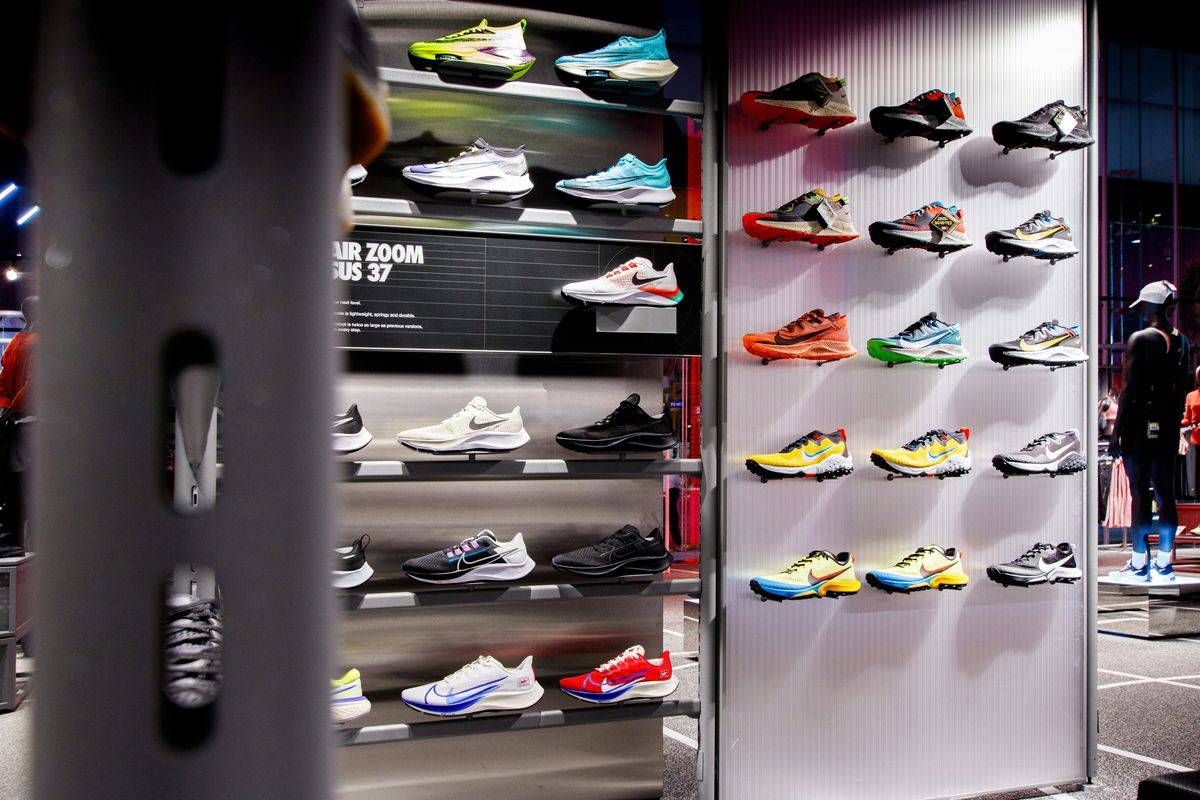
- The shoe wall, lit and full.
- The fit area: bench, treadmill or gait setup, foot scanner.
- Staff fitting a customer (with permission).
- The group run gathering outside the store.
- Apparel, nutrition and the accessories wall.
Add a few new ones every season. Stale photos of a wall you’ve since rebuilt confuse people.
Posts
Posts come in three types: Updates, Offers and Events. You can schedule a post, set it to repeat weekly, and publish the same post to several profiles at once. Posts older than 6 months are archived unless a date range is set.
Use Event posts for group runs, race packet pickup, demo days and clinics. Use Updates for new arrivals and seasonal news. Keep phone numbers out of post text, since Google says those may be rejected if they can’t be verified.
Does Google Business Profile still have Q&A?
Only in a limited way. Google now says Q&A is available only for select business categories and regions, and Google discontinued the Q&A API on November 3, 2025, so third-party tools can no longer read or post questions.
Meanwhile Google Maps added Ask Maps, a Gemini feature that answers questions about places using information from over 300 million places and reviews from its contributors.
The practical move: put the answers where Google reads them. Your services, attributes, hours, description and website should answer “Do you do gait analysis?”, “Do you carry wide sizes?” and “Is there parking?” without anyone having to ask.
How do I manage Google Business Profiles for multiple store locations?
- One profile per location. Google says do not create more than one page for each location.
- Same name everywhere. All locations must have the same name unless the real-world name differs by location.
- Same primary category. All locations must share a primary category.
- A local phone and a location page. Each profile should have a phone number and website that represent that individual location. Link each profile to that store’s page on your site, not your homepage.
- Verify each store. Bulk verification needs 10 or more locations of the same business, so a 1 to 5 store business verifies each profile on its own.
- Share access with a business group. Google suggests a business group to share management of profiles, so the owner keeps control and managers get access.
What are store codes and why must they match Merchant Center?
A store code is a unique ID for each location. You add it in your Business Profile under More, Business Profile settings, Advanced settings. Any ID works, as long as it stays the same to refer to that location.
Store codes matter as soon as you show inventory. In Merchant Center’s local inventory data, the store code must match the store codes in your Business Profiles. If your Shopify location “Downtown” sends stock under one code and the profile uses another, Google can’t place those shoes in that store.
Two tips:
- Use short, readable codes like MAIN01 and NORTH02, and write them down next to your Shopify location names.
- After you link accounts or change a code, Google suggests waiting 24 hours before uploading inventory.
How does in-stock inventory connect to my profile?
Once your store codes match and local inventory flows, your products can show on Google Search, Maps and your Business Profile so runners see what’s on your wall before they drive over.
Free local listings are available in the US. Local inventory ads add paid reach and can show pickup options: the pick up today feature highlights products that can be bought online and picked up the same or next day. Our local inventory ads setup guide covers the details.
How do I avoid a Google Business Profile suspension?
Google reserves the right to suspend profiles that break its guidelines. The common mistakes for running stores:
| Mistake | Example | Fix |
|---|---|---|
| Keywords in the name | “Main Street Running, Running Shoes and Gait Analysis” | Use your real name only |
| Tagline in the name | “Main Street Running, Your Fit Experts” | Put it in the description |
| Duplicate profiles | An old profile from a previous owner | Remove or merge duplicates |
| Mailbox address | A P.O. box or mail drop for a pop-up | Use a real staffed location |
| Call center number | A central line for all stores | A local number for each store |
| Category stuffing | Adding “Physical therapist” for a monthly clinic | Only categories the store IS |
Google says adding unnecessary information to the name isn’t permitted and could result in suspension. Name changes can also require re-verification, so change the name only when your sign changes.
Who should do this work?
An owner or manager can finish this checklist for one store in an afternoon. The harder part is keeping it current across several stores through holiday hours, staff turnover and new locations.
During setup, Segments optimizes the Business Profile for every location, with services, hours, products and photos, as part of Get Found. Once the profile is solid, the next lever is reviews: see how to get more Google reviews.
Questions owners ask
What is the best Google Business Profile category for a running shoe store?
Running store, if your store is built around running shoes, fitting and running gear. Add Shoe store as a second category, and Sportswear store if apparel is a real part of the business. Skip categories for things you merely offer. Google says to use as few categories as possible and choose the most specific one that fits.
Can I put "running shoes" or my town in my Google business name?
Only if it is part of the name on your sign, website and receipts. Google does not allow extra keywords, taglines or locations in the business name, and says doing so could get your profile suspended. Put what you sell in your categories, services and description instead.
How often should I update my Google Business Profile?
Check it monthly and before every holiday. Confirm special hours a few weeks ahead, add new photos each season, post upcoming events and group runs, and reply to new reviews every week. Look at the profile on your own phone in Google Maps to see what runners see.
Do I need a separate Google Business Profile for each store?
Yes. Google allows one profile per location and no more. Each store gets its own profile with its own address, local phone number, hours and a website link that points to that store's page. All locations should share the same business name and primary category.
See how your store shows up.
The free Storefront Report grades your store on Google, in AI answers, in reviews and in ads, door by door.