Local inventory ads for run specialty: a setup guide
By The Segments team
THE SHORT ANSWER
To set up local inventory ads, link each store's verified Google Business Profile to Merchant Center, send Google in-store stock for every store with matching store codes, choose how shoppers see that stock, pass inventory verification if Google asks, then link Google Ads and turn on local products in a Shopping or Performance Max campaign.
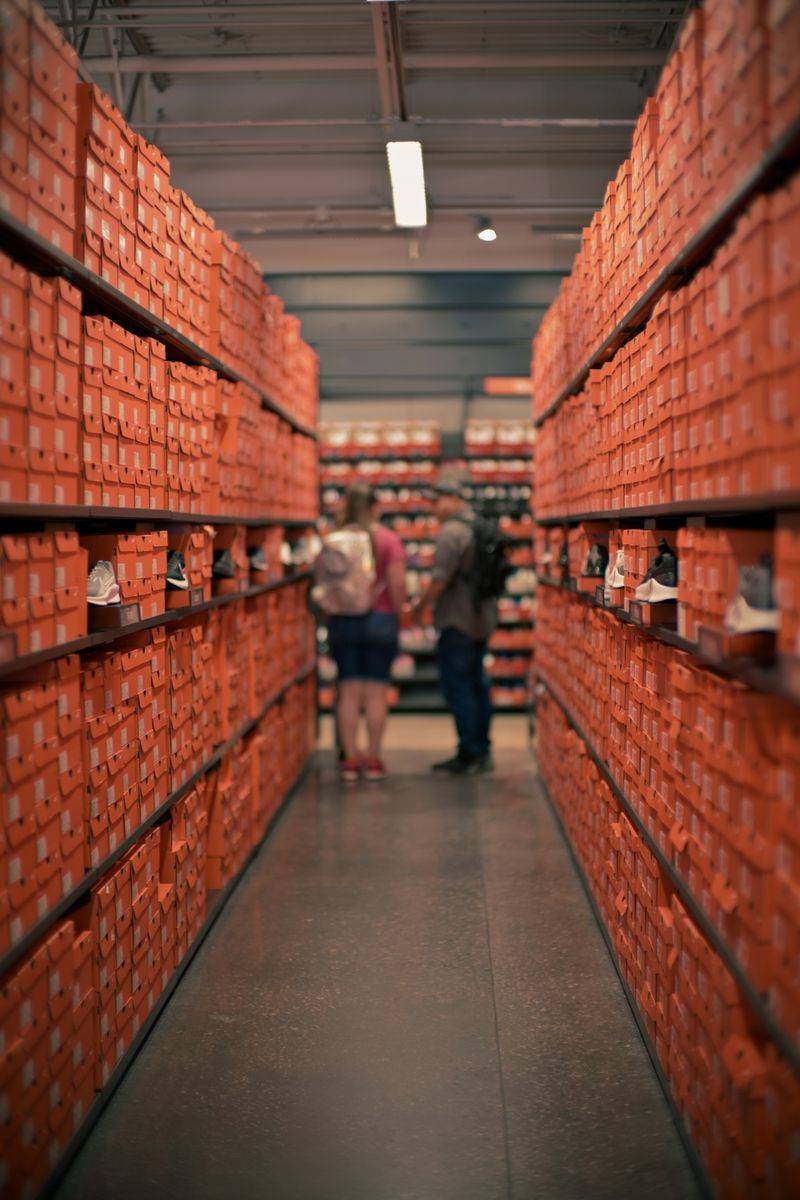
Local inventory ads put the shoe on your wall in front of a runner searching nearby, with your price, your distance and whether they can try it on today. Here is how to set them up, in the order that saves the most rework.
What are local inventory ads and free local listings?
They are two ways Google shows the products sitting in your store.
- Free local listings show your in-store products at no cost across Google.
- Local inventory ads are the paid version. They run through Google Ads and require a Google Ads account linked to Merchant Center.
Both use the same setup in Merchant Center: your stores, your products and how many of each you have at each store. Do the setup once and you can switch on either one, or both.
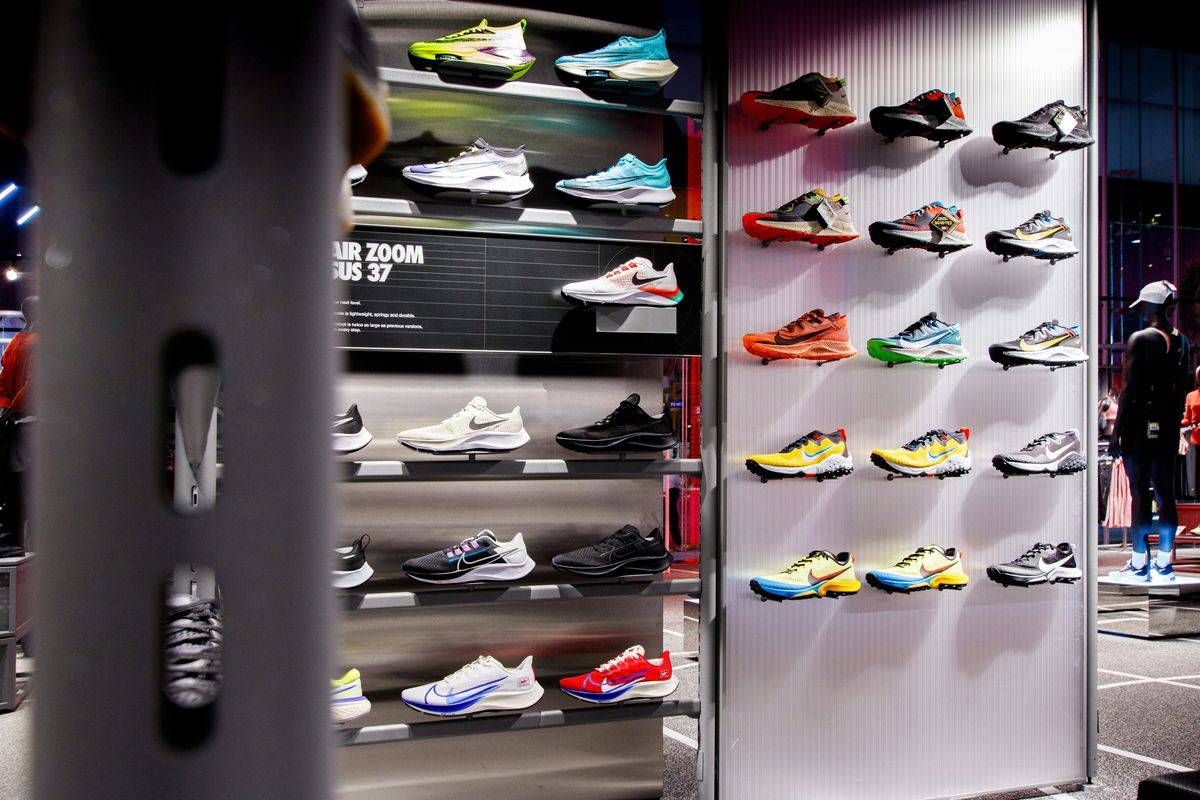
For a run store, this is the closest thing Google has to your shoe wall. A runner searching for a specific trainer sees that you have it, a few miles away, at your price. That beats a national site promising delivery on Thursday.
What do you need before you start?
| Requirement | What it means for a run store | Source |
|---|---|---|
| A physical store customers can visit and buy from | Your shop floor counts. You must be in the country you target. | Google policy |
| A Merchant Center account with approved products | Your online catalog, synced from Shopify | Google & YouTube app setup |
| A verified Google Business Profile for each store, linked to Merchant Center | One profile per door, owned or managed by you | Add stores to Merchant Center |
| A store code on each profile | Matches your inventory data exactly, case sensitive | store_code |
| Local inventory data by store | Store code, product id, availability, quantity and price | Google policy |
| A product page experience | Your own pages with store stock, or a page Google hosts | Implementation steps |
| A Google Ads account | Only for the paid ads, not free listings | Implementation steps |
Two rules have to be exact. The product id in your local inventory data must match the id in your primary product data, and the store code must match the code on your Business Profile, letter for letter.
How do you get inventory by location out of Shopify?
If you sell through Shopify POS, use Shopify’s Google & YouTube app. Shopify’s local inventory requirements are short: use Shopify POS, have a physical retail location you sell from, have POS inventory at that location, and have at least 10 products.
Google’s side of that setup asks for a verified Business Profile and the same address in Business Profile and Shopify so inventory can sync between them. Check the address line by line. “Suite 4” in one place and “#4” in another is the kind of thing that slows a match.
If your register is not Shopify POS, the app’s local inventory route is not open to you. Google’s other routes still are: a local inventory file you upload, a local data provider linked to Merchant Center, or in-store stock Google reads from your website. A file only stays right if you upload it again every time stock changes, which on a busy Saturday is constantly.
Google can also build inventory data for you by crawling your site, if your product pages show stock at each store. Google says this covers a subset of products, so treat it as a test, not a full feed.
How do you set up local inventory ads, step by step?
- Clean up your Business Profiles. One verified profile per store, correct hours, correct address. Give each a simple store code like
STORE1. - Make sure Shopify matches. Each store is a location in Shopify with the same address, and every shoe has stock at the right location.
- Turn on the add-on. In Merchant Center, go to Settings, then Add-ons, then Your add-ons, and add the Free local listings or Local inventory ads add-on for your country.
- Link your stores. Add your Business Profile through Settings, Apps and services, Add service, Google Business Profile. You need to own or manage the profile and be a user on the Merchant Center account.
- Send local inventory. On Shopify POS, open the Google & YouTube app, go to Overview, find Local inventory and select Get started. Otherwise, upload a file or link a data provider.
- Choose how shoppers see store stock. Google offers three product page experiences: product pages with in-store availability, store-specific product pages with availability and price, or product pages without in-store availability.
- Add pickup if you offer it. Pick up today and pick up later are optional annotations. Requirements are below.
- Verify inventory if Google asks. This applies when your product pages do not show store stock.
- Link Google Ads and build a campaign with local products turned on.
Store-hosted or Google-hosted pages?
If your Shopify product pages show which stores have a size in stock, choose a store-hosted experience. Runners land on your site, and once Google approves that experience you don’t need inventory verification.
If they don’t, Google can show in-store product and price availability hosted on Google. That route needs inventory verification, and Google says its pickup experiences are not compatible with it.
What does pick up today require?
Pick up today and pick up later are labels on your ad. They work well for a run store, because a runner who reserves a shoe at lunch tends to come in after work for a fit check.
For pick up today:
- Turn on free local listings or local inventory ads first.
- Offer same day or next day pickup on each product you opt in.
- Send a
pickup_SLAofsame_dayornext_day. - Show the pickup option and timing on the product page or in checkout.
- Let customers buy or reserve on your website.
- Show any pickup fee.
- Send a notification when the order is ready, by email or text.
A same_day value requires the item to be in stock at that store. Shopify’s own Ready for pickup email covers the notification: when staff mark an order ready, the customer gets it automatically.
Pick up later is for items out of stock at the store that you can still get there, such as a size you can transfer from your other door. The item must be marked out of stock at that store, and you must be able to fulfill the pickup order anyway.
How does inventory verification work?
Inventory verification is Google checking that your data matches your shelves. You don’t need it if you are approved for product pages with in-store availability, or store-specific pages with availability and price.
If you do need it:
- Add a contact name and email under the local inventory ads add-on, and verify that email.
- Click Request inventory verification within 48 hours.
- Google sends a form with 100 products from your data. Someone at the store enters the price and stock they see. Google says it takes about 2 hours per store and must be finished the same business day.
- Review can take up to 7 business days. If you are marked Ineligible, fix your data and request a new check.
Do it on a slow weekday morning, not during a race week. Put your most careful staffer on it, the one who already knows where the half sizes hide in the back.
How do you run local inventory ads in Google Ads?
Google’s FAQ says that once a local inventory feed is set up, local inventory ads serve by default in Shopping, Performance Max and Demand Gen campaigns. Its Shopping campaign page also says local inventory ads are moving to run by default in Shopping campaigns, and told advertisers who want separate online and local budgets to review inventory filters before August 2026. Check your existing campaigns now.
You control what runs with the channel filters:
- Shopping: divide product groups by Channel and pick Local stores.
- Performance Max: subdivide listing groups by Channel, then Local stores, and pick your store locations in campaign settings.
- In-store sales only: Google recommends a dedicated Performance Max for store goals campaign with local inventory ads.
- Reporting: add the Channel column to the Shopping products report to see local and online clicks apart.
For a run store, a simple start is one campaign per store area focused on the shoes you have in depth. Add a tighter ring right around the store if you want to bid more for runners closest to you.
Why do size runs decide whether this works?
In Shopify, every size and width is its own variant, and each location’s inventory is tracked separately. That is the stock Google sees. If a runner sees “in stock” and you sold their size yesterday, you have spent a click and their trust.
Three habits keep your shoe wall honest on Google:
- Receive into the right location. A brand shipment received at your main store but stocked at your second door is wrong on Google until someone moves it.
- Count your core sizes often. Pick the sizes that move fastest at your store, usually the middle of the men’s and women’s runs, and spot check them weekly, before Google’s verification does.
- Fix negative and phantom stock. A size that shows 1 but is really a try-on pair from the fit bench is a promise you can’t keep.
Correct barcodes matter too: Shopify’s Google channel says a product that has a GTIN needs it added before you can publish it. In Shopify, the barcode lives on each variant in the Inventory section, where you can set its type to GTIN, UPC or EAN.
Where does Segments fit?
Connecting local inventory ads is part of Fill the Store. Segments HQ then builds Google Shopping campaigns for a brand’s in-stock products around each store, and before launch checks your stock on Google store by store, leaving out sizes Google lists wrong until Google catches up.
If you want to set it up yourself, start with your Google Business Profile, then your Merchant Center account, then this guide. If your locations and inventory in Shopify need work first, read Shopify for run specialty stores.
Questions owners ask
Are free local listings really free?
Yes. Free local listings show your in-store products across Google at no cost once your local inventory is set up in Merchant Center. Local inventory ads are the paid placement that runs through Google Ads and uses the same stock data, so the setup work counts for both.
Can I run local inventory ads if my POS is not Shopify POS?
Yes, but not through Shopify's Google & YouTube app, which needs Shopify POS inventory. Other routes are a local inventory file you upload to Merchant Center, a local data provider linked to your account, or Google reading in-store stock from your website. Each one still needs matching store codes.
How long does local inventory ads setup take?
Longer than the clicks suggest. Business Profile locations can take up to a day to sync into Merchant Center, Google reviews products in 3 to 5 business days, and an inventory verification review can take up to 7 business days if you need one. Clean product data makes every step faster.
Should every size show on Google, even if I only have one pair?
Show what you can actually hand a runner today. A single pair in a common size is fine if the count is right. The problem is stale counts: a size that says in stock but is gone sends a runner across town for nothing and can cost you a verification.
Do local inventory ads need photos or ad copy?
No. Like Shopping ads, they build themselves from your product data: title, image, price and your store's stock. Better titles, real product photos and correct barcodes do the work that ad copy does elsewhere.
See how your store shows up.
The free Storefront Report grades your store on Google, in AI answers, in reviews and in ads, door by door.